iOS 27 public beta is out now – how to install it and whether you should update


Key takeaways
- Apple has released the first iOS 27 public beta after weeks of developer testing.
- Anyone with an iPhone 11 or newer model can install it, but the new Siri AI and Apple Intelligence features require an iPhone 15 Pro or later.
- It's still test software, so it's recommended that you don't download it on your main phone. Otherwise, make sure you back up all your data.
Apple has opened the iOS 27 public beta to everyone. That means you can try this year's biggest iPhone update before the official release, which is expected in September, likely around the time the next iPhones launch.
What is the iOS 27 public beta?
A public beta is an early version of Apple's next iPhone software that anyone can install, not just registered developers.
While it's more stable than the developer beta, it's still unfinished.
This means there will likely be bugs that Apple has to fix before the full version of iOS 27 rolls out to everyone.
How do I download the iOS 27 public beta?
Signing up is free, and installing the iOS 27 public beta should only take a few minutes.
- Go to Apple's Beta Software Program website at beta.apple.com and sign up with your Apple Account.
- Then head to Settings on your iPhone, tap General, then Software Update, then Beta Updates. Select iOS 27 Public Beta from the list and tap Back.
- The Software Update screen will check Apple's servers, after which the iOS 27 Public Beta should appear.
- Tap 'Download and Install' and follow the prompts.
If you don't see the Beta Updates option, turn off automatic updates first, then go back and check again. It should appear.
Just make sure you back up your iPhone before you install anything, as you won't be able to go back to iOS 26 if the beta causes problems.
There are also public betas for the latest versions of macOS, iPadOS, watchOS and tvOS.
Is my iPhone compatible with iOS 27?
If your iPhone runs iOS 26, it will also be compatible with iOS 27.
That covers every iPhone from the iPhone 11 series onwards, including the iPhone SE (2nd generation) and later.
The caveat here is that next-generation features such as Apple Intelligence and Apple's most advanced Siri AI will require an iPhone 15 Pro or newer model.
In fact, some more powerful Siri AI features, such as expressive Siri voices, will only be available on the iPhone Air, iPhone 17 Pro, and iPhone 17 Pro Max.
What are the biggest iOS 27 features I should test out?
You can read our full run-through of the biggest features in our initial rundown of iOS 27.
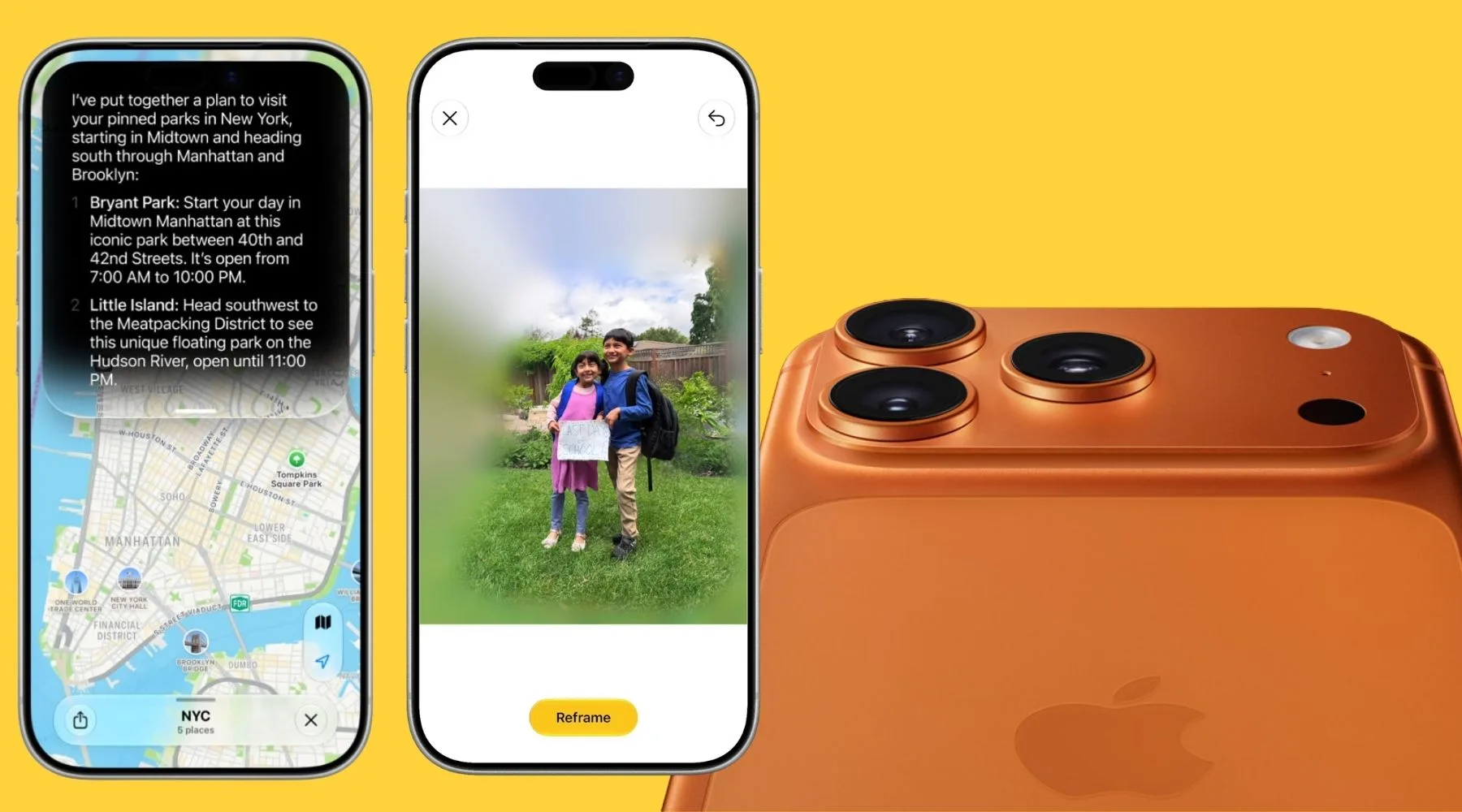
But one of the biggest highlights includes a rebuilt Siri that's more conversational and aware of what's on your screen.
You can have back-and-forth conversations with it and ask it to pull information from across your apps, such as Mail, Messages, Notes and Calendar.
Other features to play around with include:
- Launching Visual Intelligence from the Camera app to do things like split a restaurant bill from a photo of the receipt or check the nutritional value of the food you're about to eat.
- Using an improved version of the Clean Up tool in the Photos app.
- A refreshed Liquid Glass look, with a slider in Settings that lets you dial the translucent effect up or down.
According to Apple, apps launch up to 30% faster, and nearby AirDrop transfers can finish up to 80% quicker.
Should you install the iOS 27 public beta?
Ideally, you should only install the beta on a spare iPhone. Apple specifically advises against installing beta software on your main device.
That's because beta software can be buggy. It might drain your battery faster than usual, cause apps you rely on to crash or stop working properly, or break features when you need them most.
Sources
Ask a question