You’ll need to urgently replace these Samsung phones to call triple zero


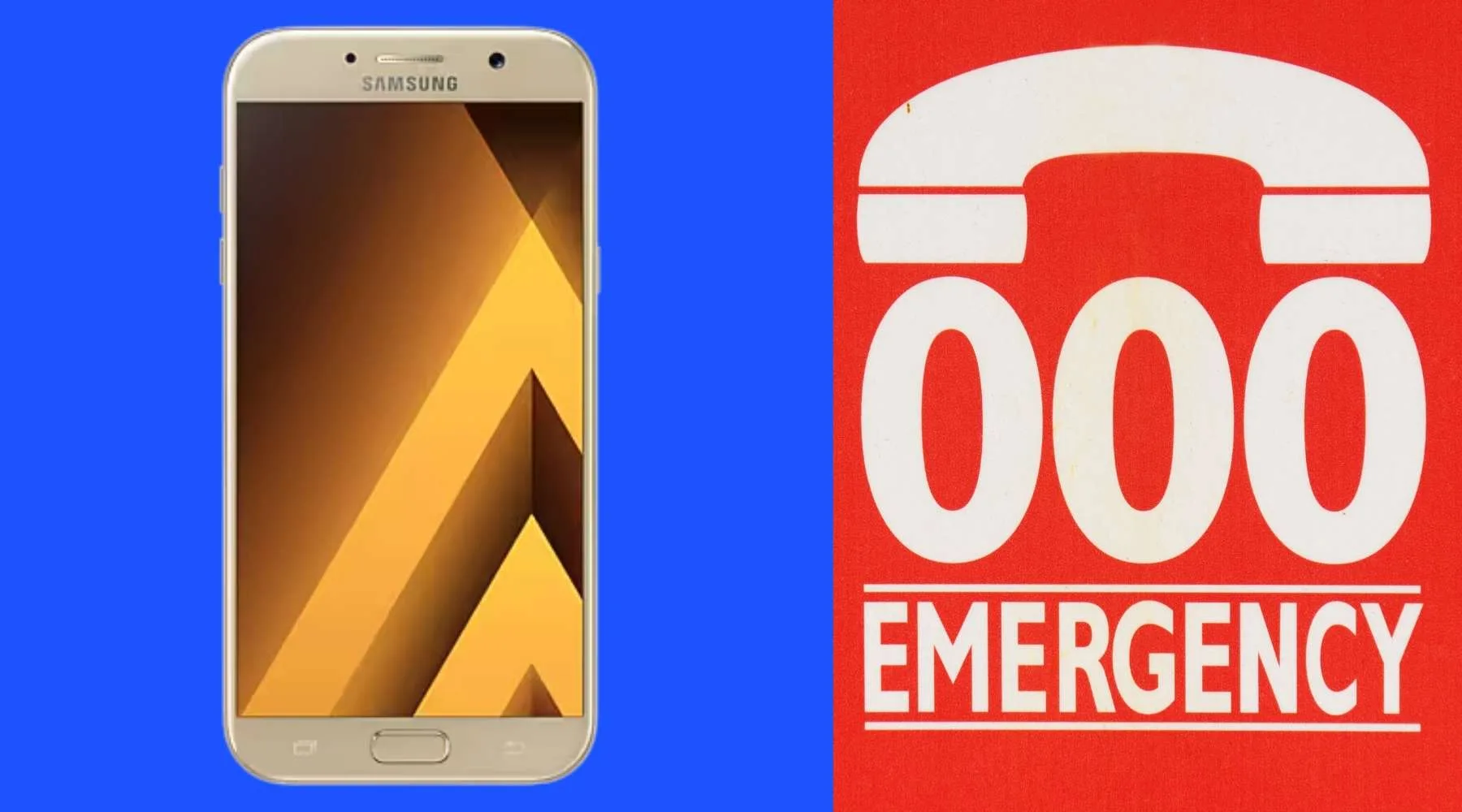
Tests from Telstra show that more than 70 Samsung phone models are unable to call triple zero in an emergency.
According to Telstra, there are 11 Samsung Galaxy models that users need to replace with newer handsets, and about 60 models that require system updates.
Telstra said affected customers will be notified via email or SMS.
Which Samsung phones can't make triple-zero calls?
Before we get into the list, here's some important context.
If your mobile plan uses the Telstra or Optus network and those networks are unavailable, your phone will automatically switch to Vodafone's network when you dial triple zero in an emergency.
However, Telstra's testing found that the following Samsung phones are unable to connect to the Vodafone network and will need to be replaced.
| Model number | Device name |
|---|---|
| SM-A720F | Galaxy A7 (2017) |
| SM-A520F | Galaxy A5 2017 |
| SM-J120ZN | Galaxy J1 2016 |
| SM-J320ZN | Galaxy J3 2016 |
| SM-J530Y | Galaxy J5 (2017) |
| SM-N920I | Galaxy Note 5 |
| SM-G920I | Galaxy S6 |
| SM-G925I | Galaxy S6 edge |
| SM-G928I | Galaxy S6 Edge+ |
| SM-G930F | Galaxy S7 |
| SM-G935F | Galaxy S7 Edge |
Which Samsung phones require a software update?
- Samsung Galaxy A31
- Samsung Galaxy A32
- Samsung Galaxy A42 5G
- Samsung Galaxy A50
- Samsung Galaxy A52
- Samsung Galaxy A71
- Samsung Galaxy A71 5G
- Samsung Galaxy A72
- Samsung Galaxy A8 (2018)
- Samsung Galaxy J7 Prime
- Samsung Galaxy J7 Pro
- Samsung Galaxy J8
- Samsung Galaxy Note 10
- Samsung Galaxy Note 20
- Samsung Galaxy Note 20 Ultra
- Samsung Galaxy S20 FE (SM-G780F)
- Samsung Galaxy S20 FE (SM-G780G)
- Samsung Galaxy S20 Plus
- Samsung Galaxy XCover 4s
- Samsung Galaxy XCover 5
- Samsung Galaxy Z Flip 5G
- Samsung Galaxy A11
- Samsung Galaxy A12
- Samsung Galaxy A12s
- Samsung Galaxy A20
- Samsung Galaxy A21s
- Samsung Galaxy A22 5G
- Samsung Galaxy A30
- Samsung Galaxy A32 5G
- Samsung Galaxy A51
- Samsung Galaxy A52 5G
- Samsung Galaxy A70
- Samsung Galaxy A90 5G
- Samsung Galaxy Fold
- Samsung Galaxy Note 10 Plus
- Samsung Galaxy Note 10 Plus 5G
- Samsung Galaxy Note 8
- Samsung Galaxy Note 9
- Samsung Galaxy Note 20 5G
- Samsung Galaxy Note 20 Ultra 5G
- Samsung Galaxy S10
- Samsung Galaxy S10 5G
- Samsung Galaxy S10 Plus
- Samsung Galaxy S10e
- Samsung Galaxy S20
- Samsung Galaxy S20 5G
- Samsung Galaxy S20 FE 5G
- Samsung Galaxy S20 Ultra 5G
- Samsung Galaxy S20 Plus 5G
- Samsung Galaxy S21 5G
- Samsung Galaxy S21 Ultra 5G
- Samsung Galaxy S21 Plus 5G
- Samsung Galaxy S8
- Samsung Galaxy S8 Plus
- Samsung Galaxy S9
- Samsung Galaxy S9 Plus
- Samsung Galaxy Xcover Pro
- Samsung Galaxy Z Flip
- Samsung Galaxy Z Fold 2 5G
- Samsung Galaxy J2 Pro
What happens if I don't update or replace my Samsung phone?
Customers who own any of these devices will be blocked from accessing any of the Australian mobile networks 28 days after being notified that they either need to update or replace their phone.
"To be clear, this issue does not relate to the Telstra network, and it does not impact your ability to call triple zero when you're using the Telstra network or the Optus network," Telstra said in a statement on its website.
Based on a statement from Australian Communications Consumer Action Network (ACCAN) CEO Carol Bennett, "tens of thousands [of customers with Telstra and Optus]" could potentially be affected.
"We're not sure how many TPG customers are directly affected by this issue," Benett said, according to the ABC.
Want to save on your mobile bill?
Find a cheaper plan with our easy quiz.
What are Optus, TPG/Vodafone and Samsung doing?
Optus said it has also "started contacting customers whose phones are affected with instructions on what to do next to ensure their phones work when they need them most."
Customers will have 28-35 calendar days to upgrade their handsets.
Meanwhile, a statement from TPG said, "It is not a fault of the Vodafone network, but a limitation in how certain older Samsung models were originally configured to search for emergency connectivity.
"TPG Telecom continues to monitor the handsets used on its network and actively work with customers impacted by the emergency call service determination to ensure they can continue to access triple zero."
And, according to 9News, Samsung said it's working with "its carrier partners to ensure all devices operate reliably in every emergency situation."
UPDATED 24 October 2025: We've added a clarification around why some Samsung phones may not be able to connect to triple zero.
Sources
Ask a question
I have a Samsung Galaxy Note 10+.
Software update was last done September 2023. No available updates.
Will my phone be effected?
Hi Prudence,
Impacted customers should have received notifications from their telco. If you haven’t heard from them, it’s worth making contact as you need to update your system immediately to fix this issue.
Hi,
Is my phone, a Galaxy A52s 5G, model SM-A 5288 affected? Last updated Oct 3rd 2025.
Thanks
Hi there,
Hi Kelly,
Your phone is not listed so it should continue to work perfectly fine. Impacted customers should have received notifications from their telco. If you haven’t heard from them, it’s likely that your phone isn’t impacted but you can contact them for peace of mind if you wish to be certain.
Hope this helps!
My phone shows last update installed 4 July 2024 and ‘Up to date’ – how can I check that this is accurate (given it was over 12 months ago).
Hi Ali, tap the Settings icon on your phone.
Swipe to and then tap Software update or System updates. It will vary between models.
Tap Download and install, Check for system updates, or Check for software updates. If an update is available, it should begin downloading automatically, although you may need to tap Download now on some devices.
When the download is complete, follow the on-screen instructions to install the update.
You may need to follow these steps a number of times to ensure your device has the latest version.
Hope this helps!
Is my Samsung Galaxy A42 5G able to make 000 calls in Australia?
And if I need to replace, which models are suitable (for pensioners)
Hi Ali, you’ll just need to run a software update, there’s no need to replace the phone at this time. Hope this helps!
is my SAMSUNG A32 5FZKHX5A EFFECTED BY THIS PROBLEM ?
Hi Ron, yes, unfortunately it is. However, you don’t need to replace your phone. Instead you’ll need to run a software update. Here’s how you can do that:
Tap the Settings icon on your phone.
Swipe to and then tap Software update or System updates. It will vary between models.
Tap Download and install, Check for system updates, or Check for software updates. If an update is available, it should begin downloading automatically, although you may need to tap Download now on some devices.
When the download is complete, follow the on-screen instructions to install the update.
You may need to follow these steps a number of times to ensure your device has the latest version.
Hope this helps!