Samsung phone users urged to verify they can dial triple zero – here’s how


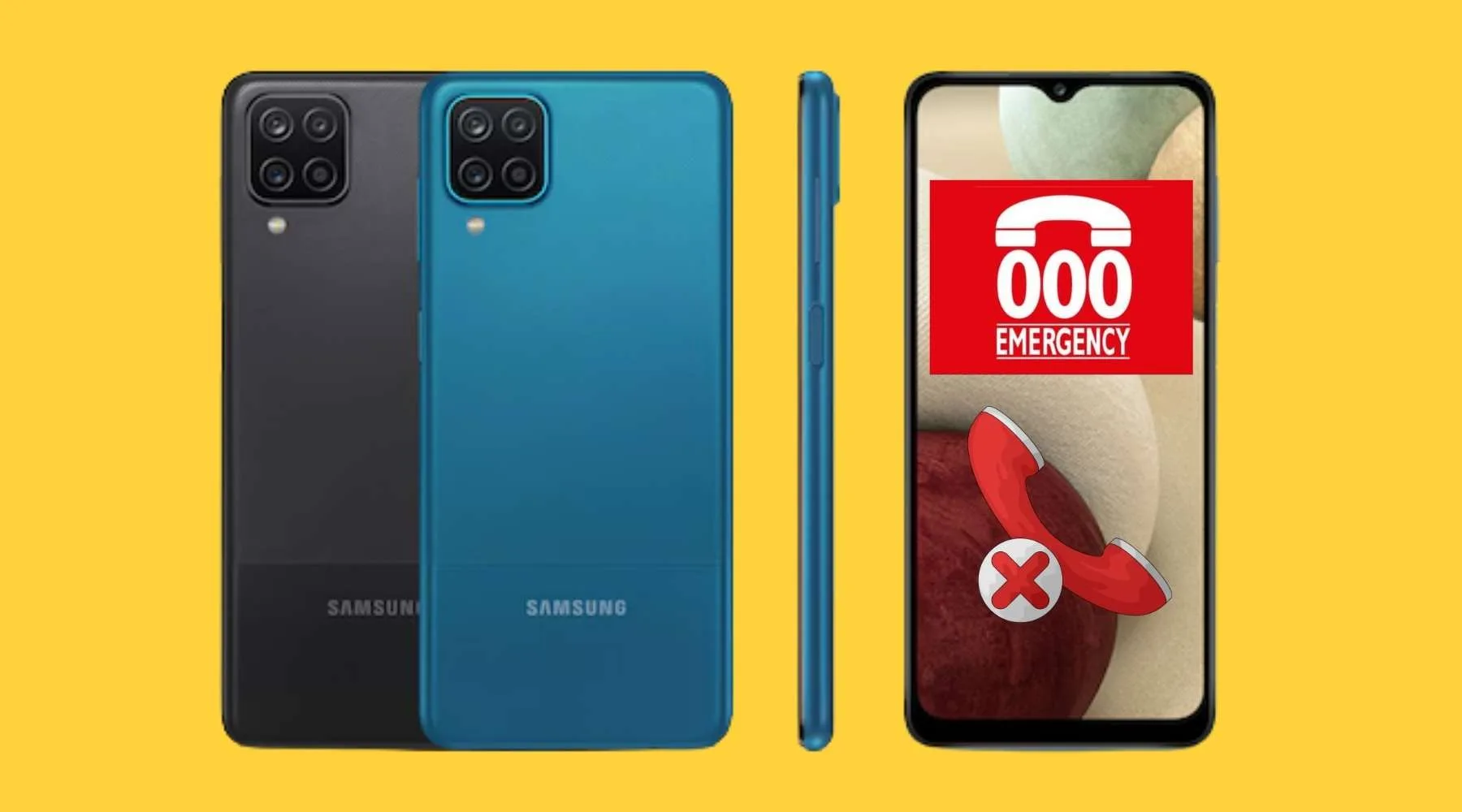
The tragic passing away of a TPG customer in Sydney is a stark reminder that it's all hands on deck to ensure everyone with an affected Samsung phone can make triple zero calls.
Questions and concerns are growing following the death of a TPG customer in Sydney, who was unable to connect to triple zero.
According to TPG, its network was operating normally at the time of the failed triple-zero call, with the issue caused by outdated software on the customer's phone.
This news follows similar incidents affecting Optus customers.
If you've received an email or text from your provider advising you to replace your Samsung phone or update its software, you should take action urgently.
How do I know if my Samsung phone is up to date and can make triple zero calls?
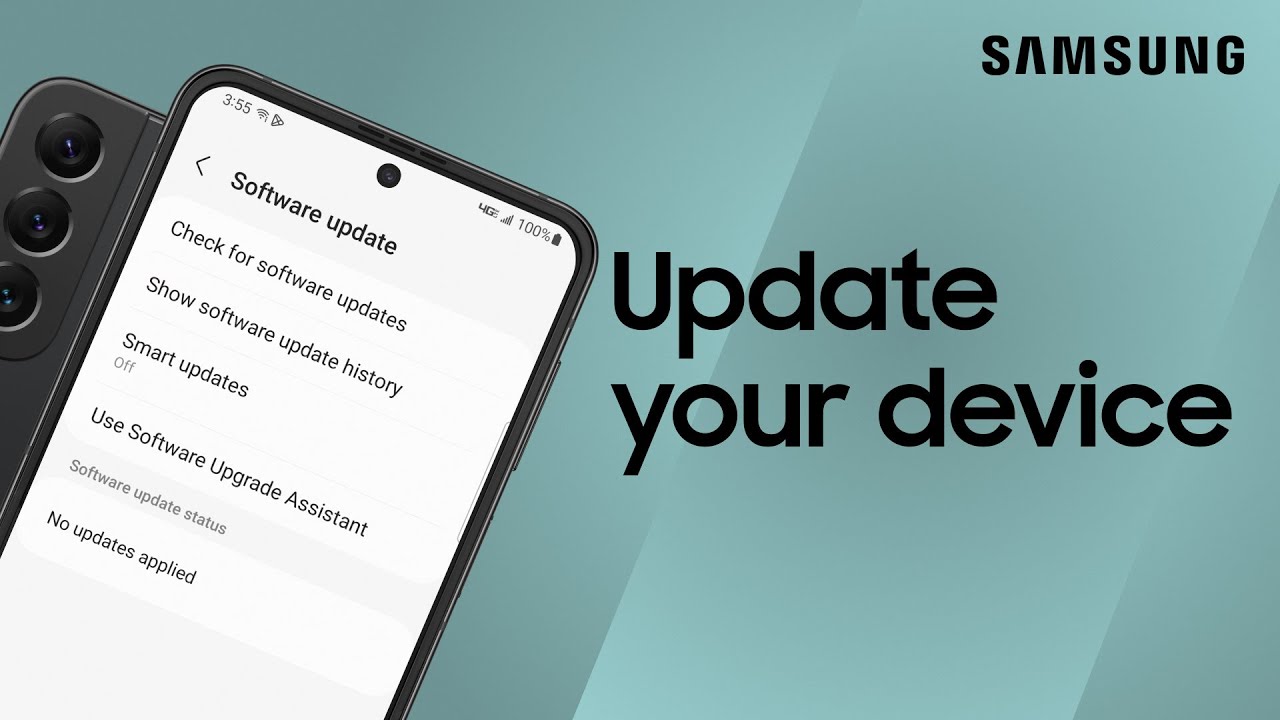
Replacing the handset is straightforward, but there seems to be some confusion regarding the software update:
- Based on advice from Samsung and the telcos, you will need to update the software versions in sequence to get the latest version (we've added a YouTube video further down to help you out).
- You should stop receiving communications from your provider if you've successfully updated the software.
- If you are facing further issues, contact your provider, visit the Telstra, Optus or Vodafone stores, or contact Samsung directly.
- According to Samsung, customers who have purchased a mobile device on the update list through Samsung Australia - either directly or via an authorised Australian retailer or telco - only need to update to the latest software available for their device.
- If there's still any confusion, contact your mobile provider or Samsung at 1300 362 603. If you're unsure whether your device is an Australian model, Samsung may ask for your IMEI - a unique 15-digit number that identifies your mobile device on the network. You can find it by dialling *#06#.
"We are continuing to work closely with our carrier partners to ensure that all devices operate reliably in every emergency situation," Samsung said in a statement to Finder.
"We strongly encourage customers to keep their mobile devices updated with the latest software, as this is critical to maintaining the highest standards of safety, security, and performance. Customers with mobile devices requiring updates or replacements have been notified by their mobile carrier with instructions."
Calls for government, regulators and telcos to act now after another triple zero call failure
In October 2025, we reported that more than 70 Samsung phone models were unable to make triple-zero calls. Of these, around 11 models need to be completely replaced, while about 60 require a software update.
You can find the full list of affected models in our previous report. Currently, the issue impacts approximately 24,000 customers who need to update their software and around 6,000 who require a device replacement.
Carol Bennett, CEO of Australian Communications Consumer Action Network (ACCAN), is calling for an urgent rectification of Australia's emergency call ecosystem.
"Public safety is at risk despite clear obligations on telcos to identify affected devices, notify customers and block unsafe handsets.
"If those obligations were not met, Australians deserve answers. Confidence in the Australian Communications and Media Authority's (ACMA) oversight has been shaken, and there must be full transparency about whether compliance monitoring has been adequate."
Sources
Ask a question