Apple Sports launches in Australia ahead of the FIFA World Cup – and it’s free


Key takeaways
- Apple Sports is now available in Australia as a free download on the App Store.
- The app will give iPhone users real-time scores, stats and personalised team feeds.
- The expansion to more than 90 new countries and regions, including Australia, looks to be tied to the upcoming FIFA World Cup.
Apple has officially launched its Sports app for iPhone users in Australia, offering a free way to follow live scores and stats across a range of leagues and competitions.
What does the Apple Sports app actually do?
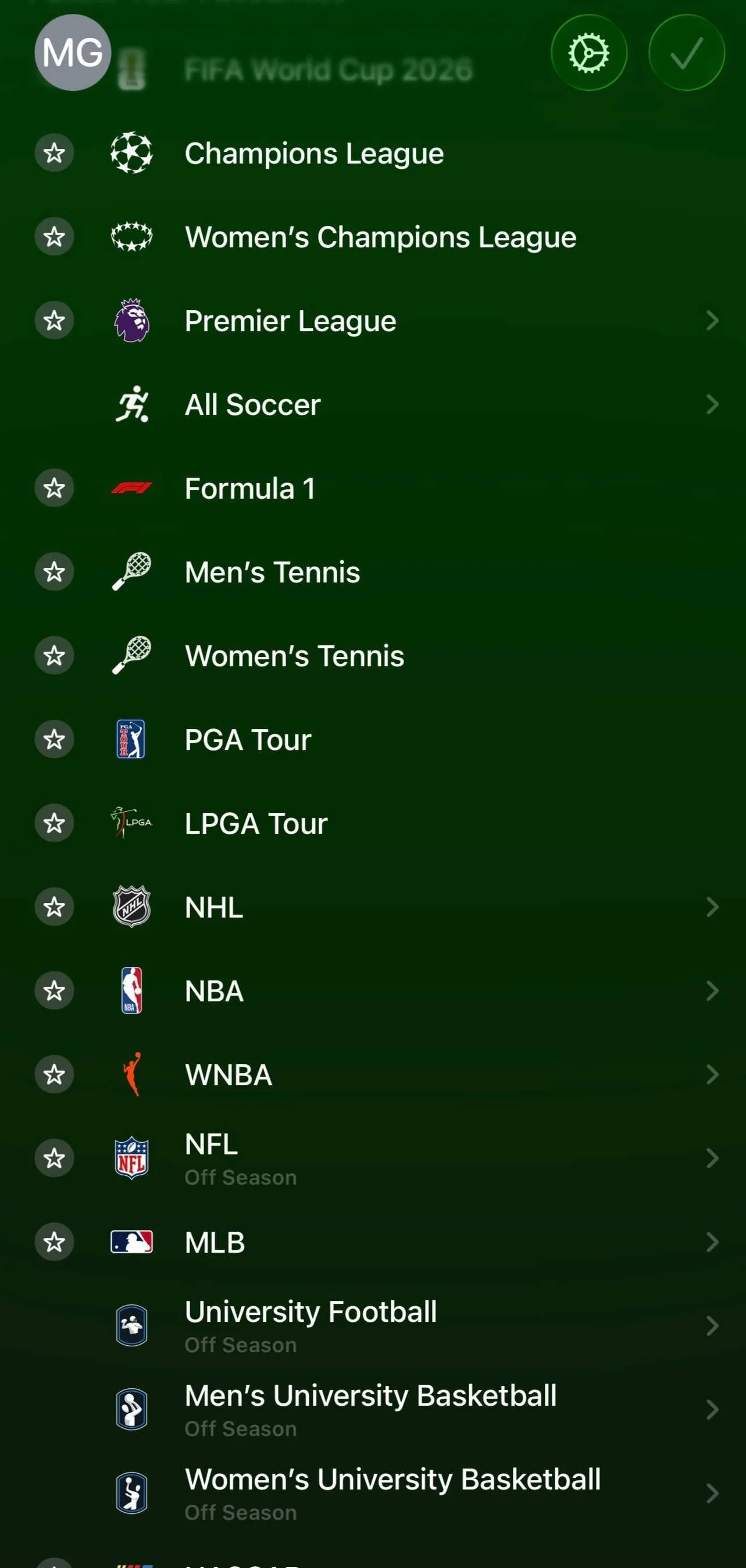
The main sell is that you build it around the teams you actually follow, rather than scrolling through sports you don't care about.
Pick your leagues and teams, and they're the first thing you see when you open the app.
Following a team also enables Live Activities on your iPhone Lock Screen or Apple Watch, so you can check a score mid-match without opening the app.
There are also widgets for iPhone, iPad and MacBook Home Screens if you want scores sitting on your screen at all times.
The small catch for those of us in Australia is that it doesn't include local sports such as the NRL and AFL.
Here's a peek at what is on offer:
What's new for the FIFA World Cup?
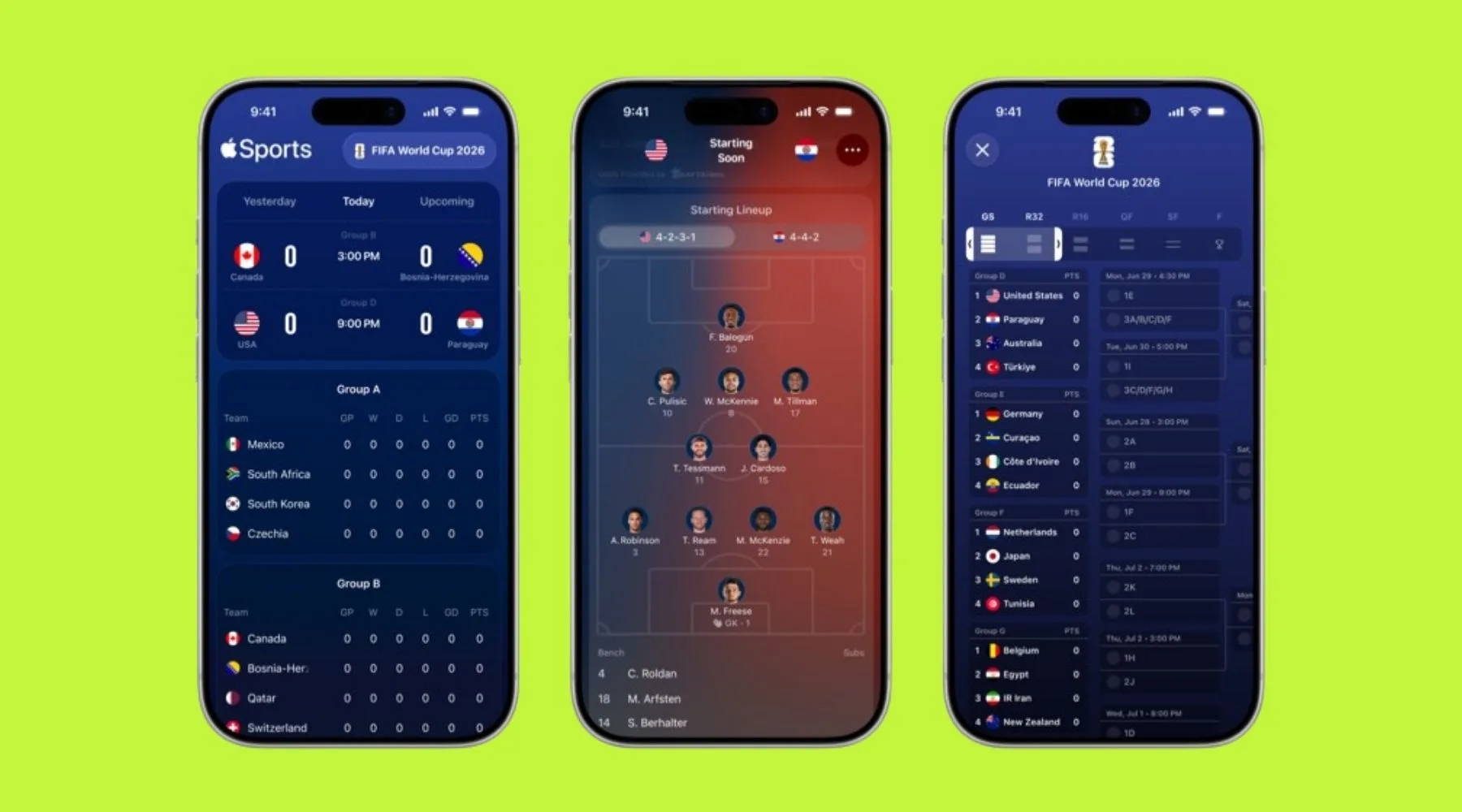
The Australian launch coincides with some new tournament-specific features ahead of the World Cup kicking off in June.
The app includes a tournament bracket, which is essentially a scrollable layout showing who's playing who at each stage, so you can track results as the competition progresses.
Gamecards have also been given an update to showcase the visual formation of each team's lineup. And 'One-Tap to Apple News' will give you access to in-depth editorial coverage on the latest headlines.
How do I download the Apple Sports app?
Apple Sports is free to download on the App Store.
It works on iPhones running iOS 17.2 or later, though you'll need iOS 18 to get Live Activities, and watchOS 11 if you want scores on your Apple Watch.
Want a new iPhone?
Get a $200 Visa gift card when you sign up to any Optus iPhone plan through Finder on top on any of Optus's own offers.
You can check out the plans in our table.
Choose one, hit the "GO TO SITE" button, create a Finder account, and you'll be redirected to Optus's website to finish the sign-up process.
Sources
Ask a question