Find out if you're overpaying
Finder continually analyses what you're paying to see whether you could be on a better deal - and shows you the yearly difference, not just a cheaper price.
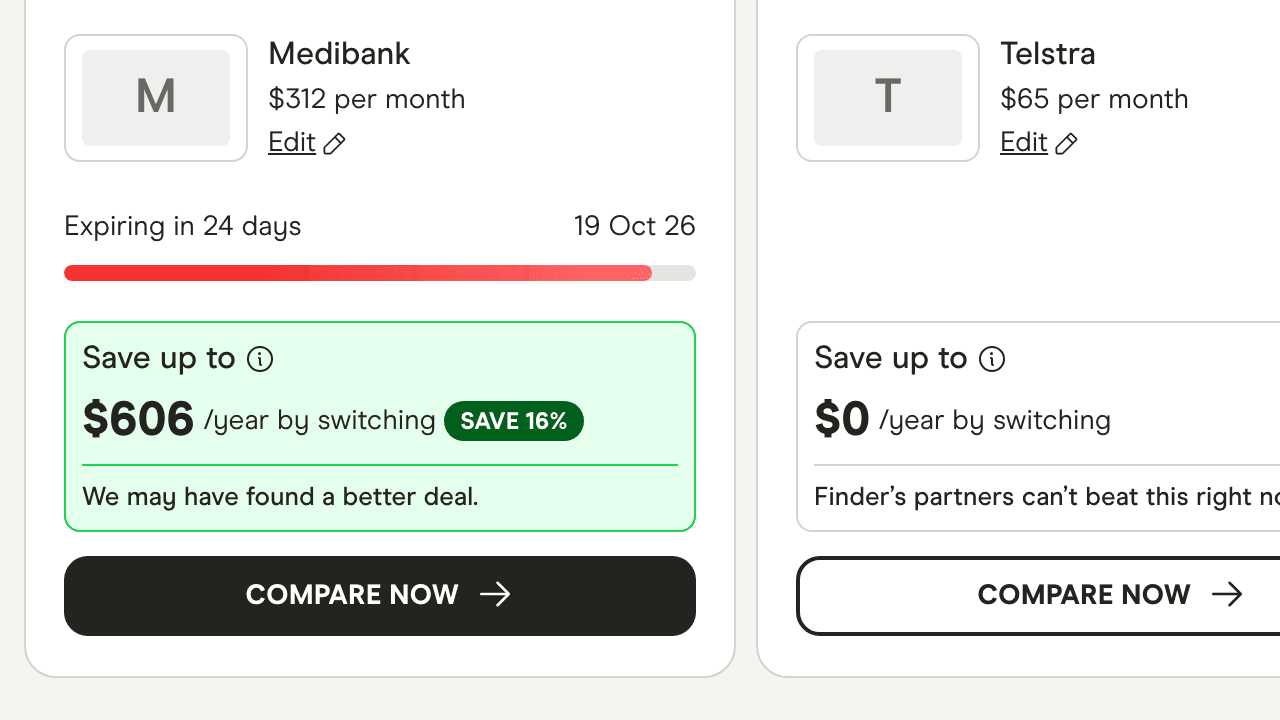
Add your home loan, health cover, phone, internet and insurance once. Finder keeps checking the market and alerts you when there's a better deal.
Over 10,000 products tracked by Finder members
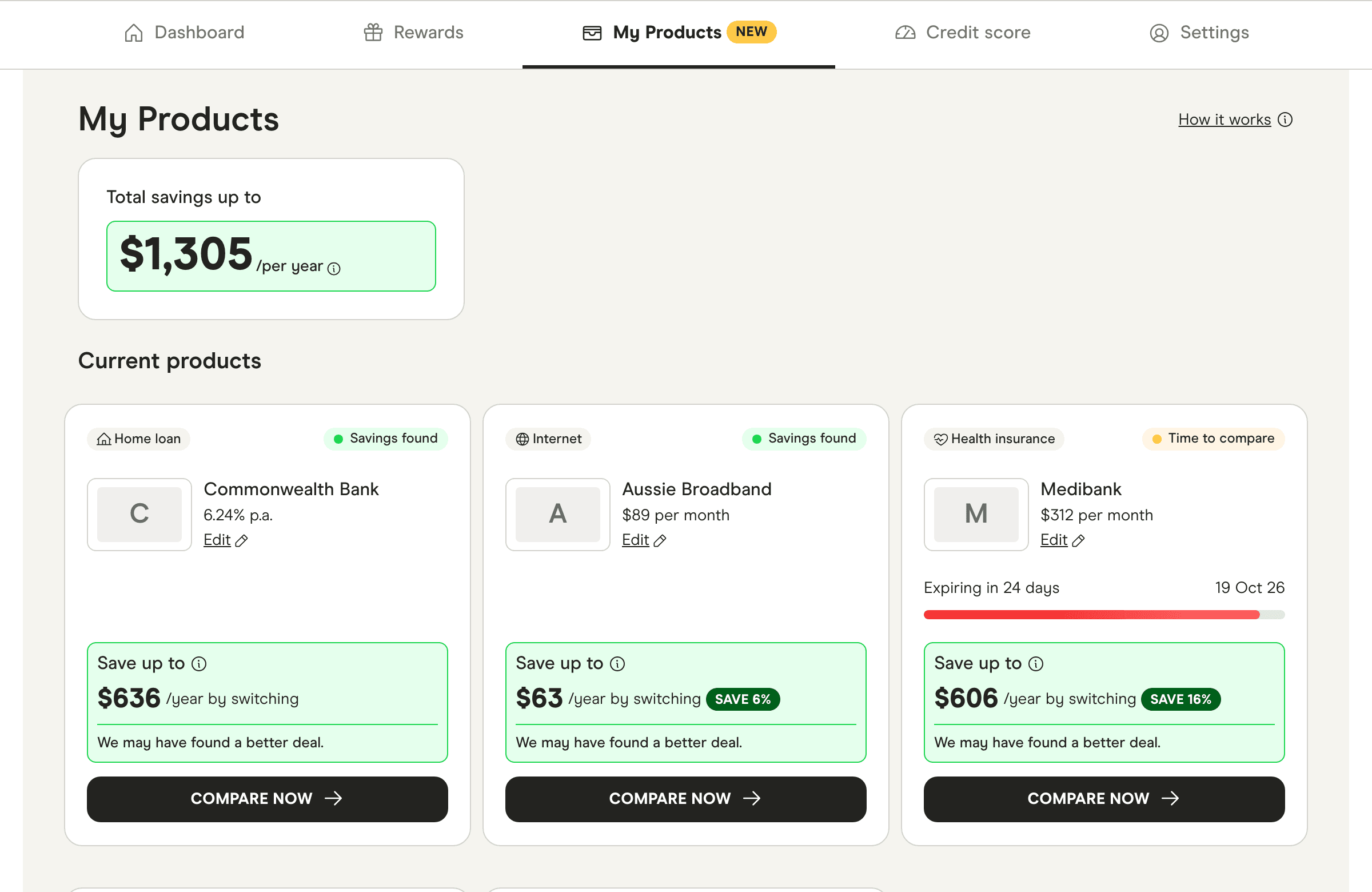
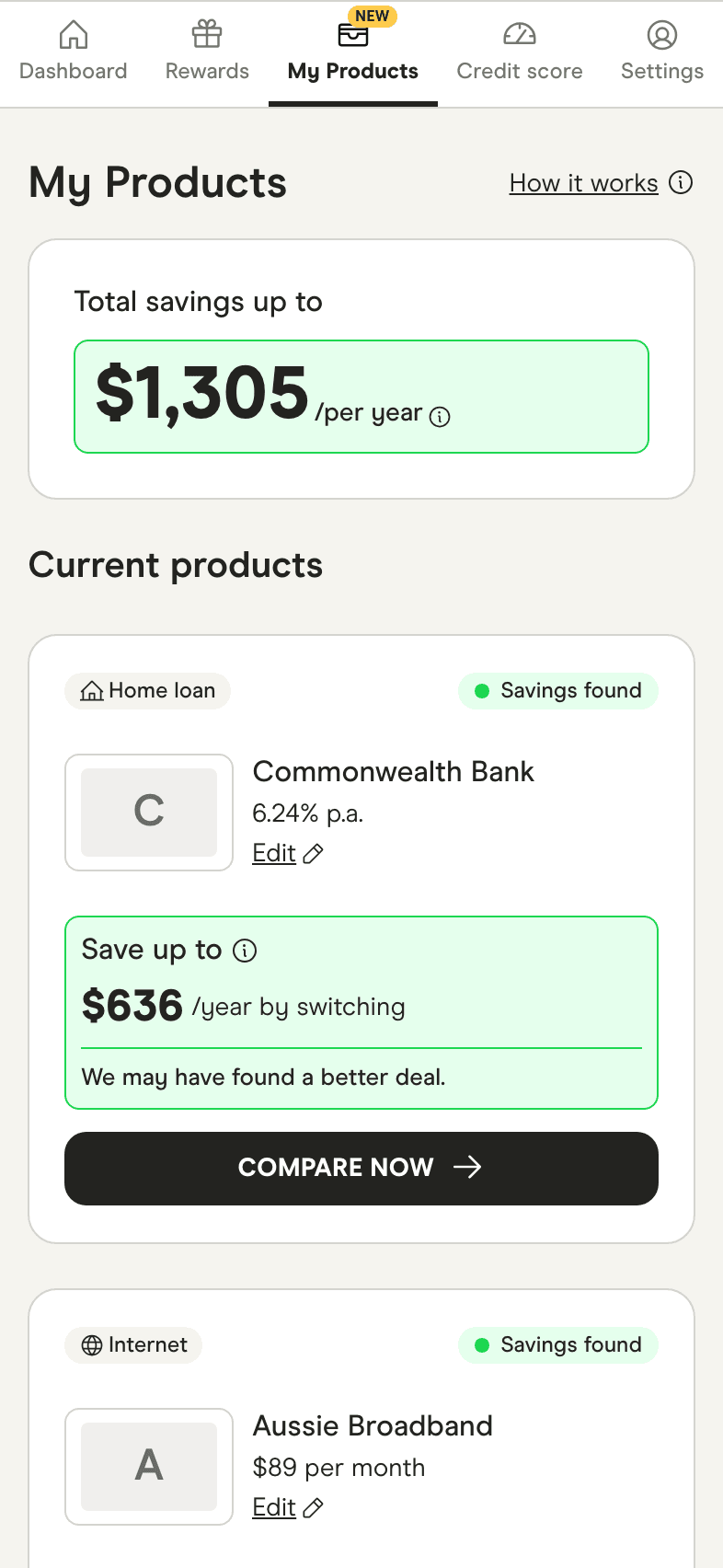
A free member dashboard for the financial products you already have - home loan, health cover, mobile, internet, car and home insurance - so Finder can watch the market for you.
Most of us set and forget. Rates rise, plans change and renewals roll over. Tracking makes the comparison happen automatically, on your numbers.
We compare what you're paying with what's on Finder right now. If there's a better deal, you'll see the yearly difference and a link to switch.
Finder continually analyses what you're paying to see whether you could be on a better deal - and shows you the yearly difference, not just a cheaper price.
Don't miss a renewal or a price drop again. We'll ping you before it's time to switch - in your notification centre or by email.
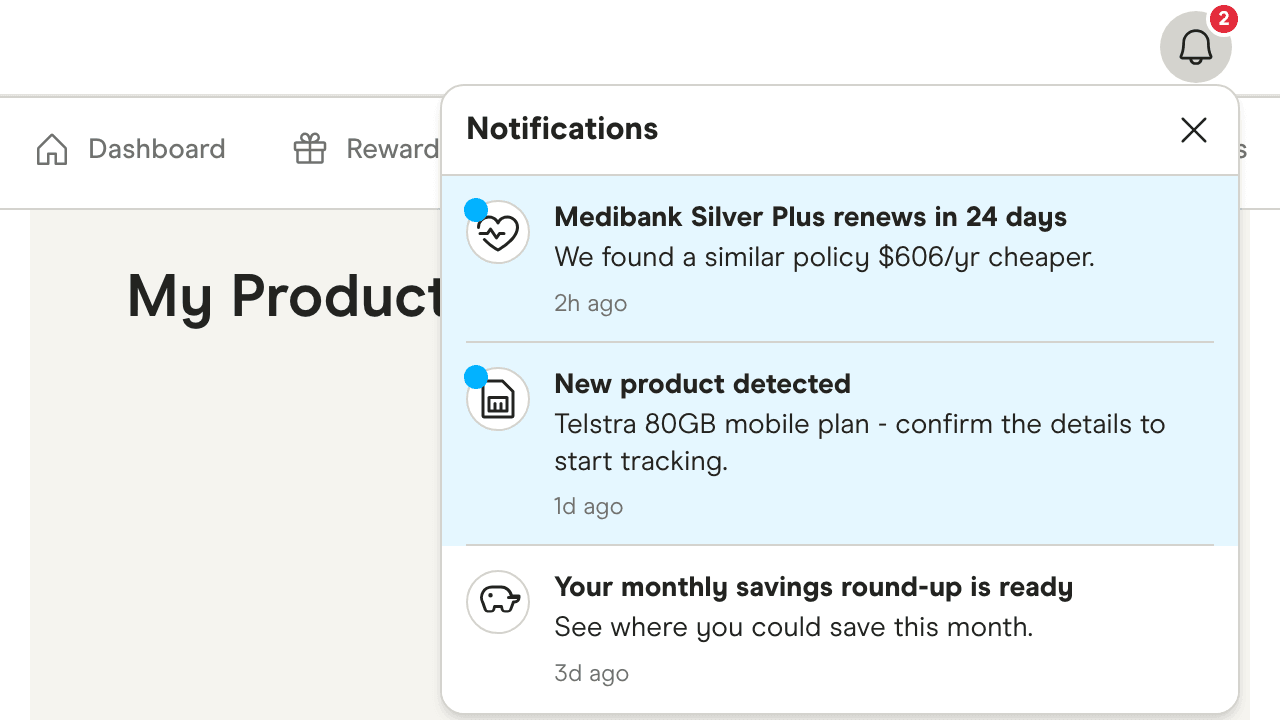
Answer a few questions, or upload your statement and we'll automatically detect what you're paying. Home loans, health, home and car insurance, mobile and internet - with energy next.
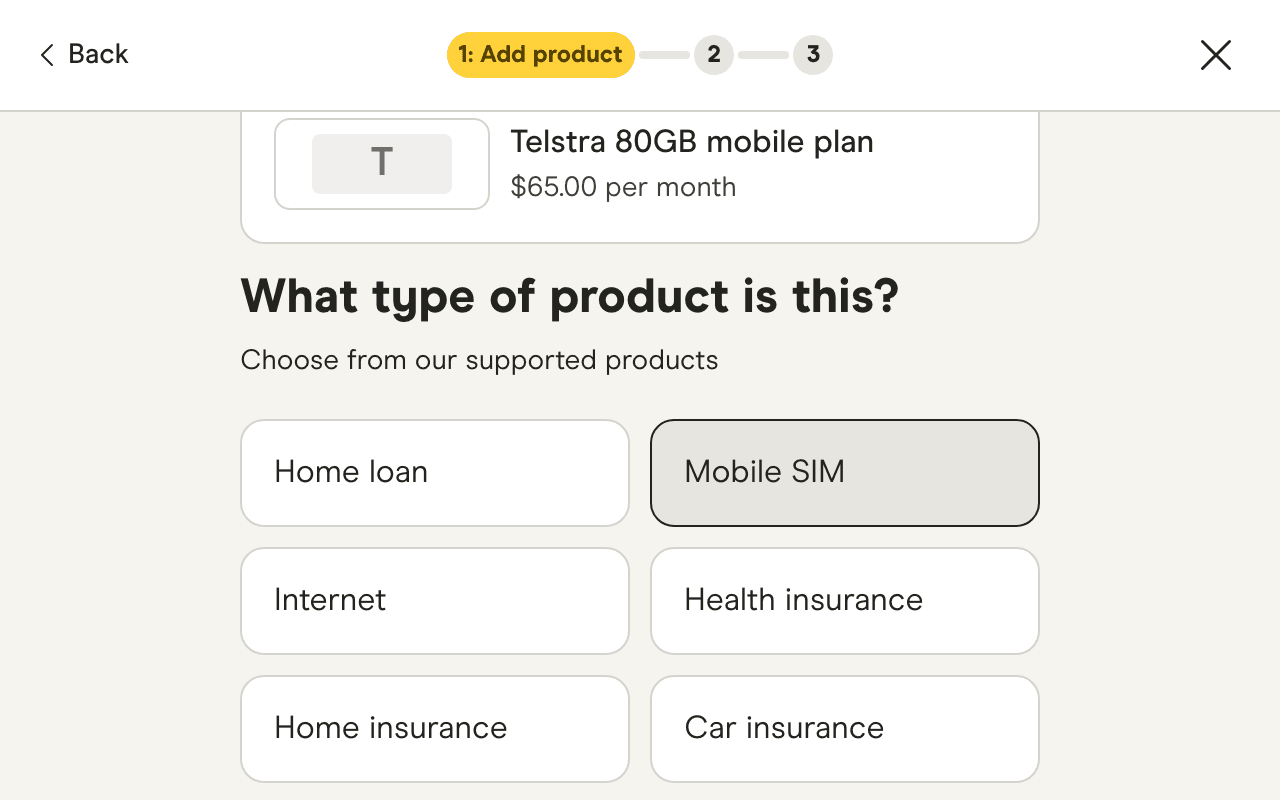
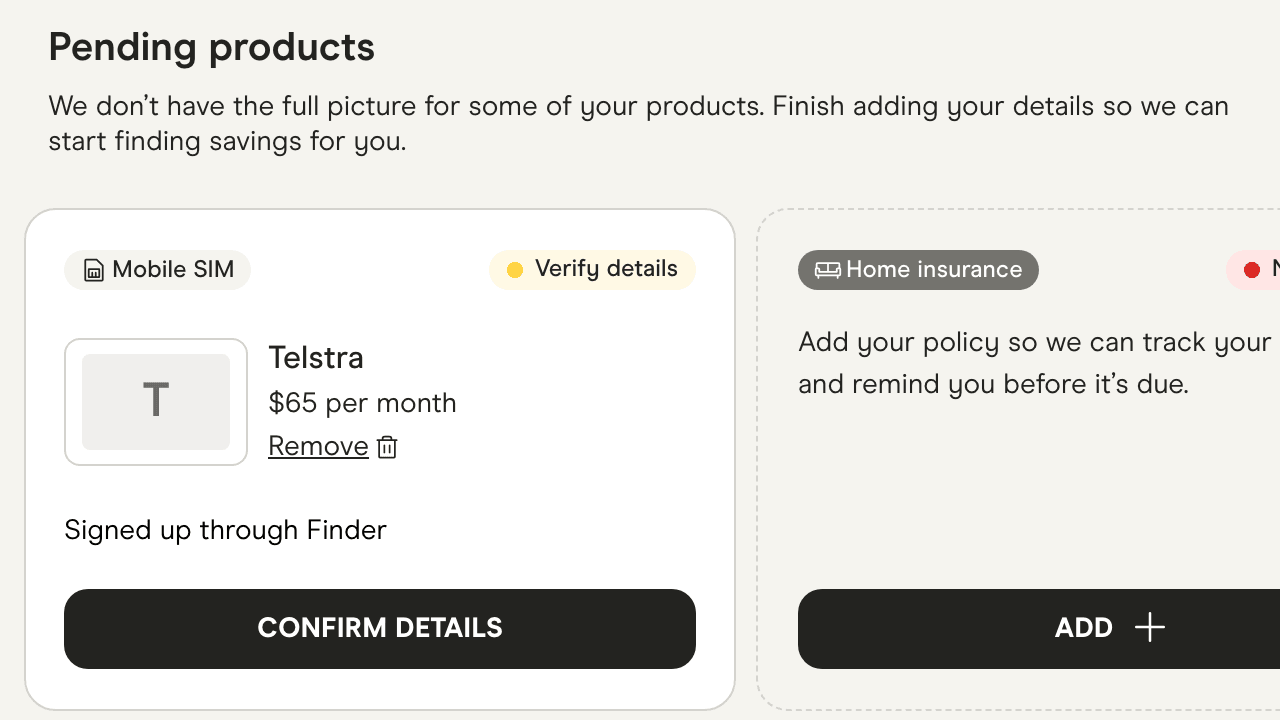
Took out a plan or policy through Finder? We'll add it to your dashboard. Confirm the details in a tap and we'll start tracking it from day one.
Sign up with your email, Google or Apple ID. My Products is part of every Finder membership.
Answer a few questions about what you have, or upload a bill and we'll read the details for you.
We watch the market and let you know when there's a better deal or a renewal coming up. You decide whether to switch.
Check your products, confirm new ones and get push alerts wherever you are. Everything you add on the website is there in the app, and the other way round.
Your product details are encrypted in transit and stored securely against your Finder account, behind the same login you use for your credit score and rewards.
We use it to compare your products against the market and to send you the alerts you've opted into.
Only you, when you're logged in. Partners don't see your dashboard, and nothing is shared with a provider unless you choose to switch.
Yes. Remove any product from your dashboard whenever you like, or delete your Finder account from Profile settings and your products go with it.
Yes. It's part of your free Finder membership. There's no fee to track products and nothing to pay if you act on a saving.
Home loans, health insurance, home insurance, car insurance, mobile plans and internet plans, with energy coming next. Add as many as you like.
No. Answer a few questions about the product and we'll do the rest. Uploading a statement is optional - it saves you typing, because we read the provider, plan and price and you just confirm them.
We compare the details you've given us - provider, plan, price and renewal date - with the products listed on Finder right now, and show the yearly difference to the best comparable option. It's an estimate; the final price always depends on the provider.
No. We alert you and show you the option. You stay in control - nothing changes unless you choose to switch.
When you take out a product through a Finder link while logged in, the partner lets us know the sale went through. We add it to your dashboard as a pending product, and you confirm the details before we start tracking it.
Your products sit against your Finder account, encrypted in transit and stored securely. Only you can see them. Remove a product any time, or delete your account from Profile settings.
Yes. My Products is a tab in the Finder app on iOS and Android, so you can check, confirm and compare wherever you are.
Add your first product in a couple of minutes. We'll take it from there.